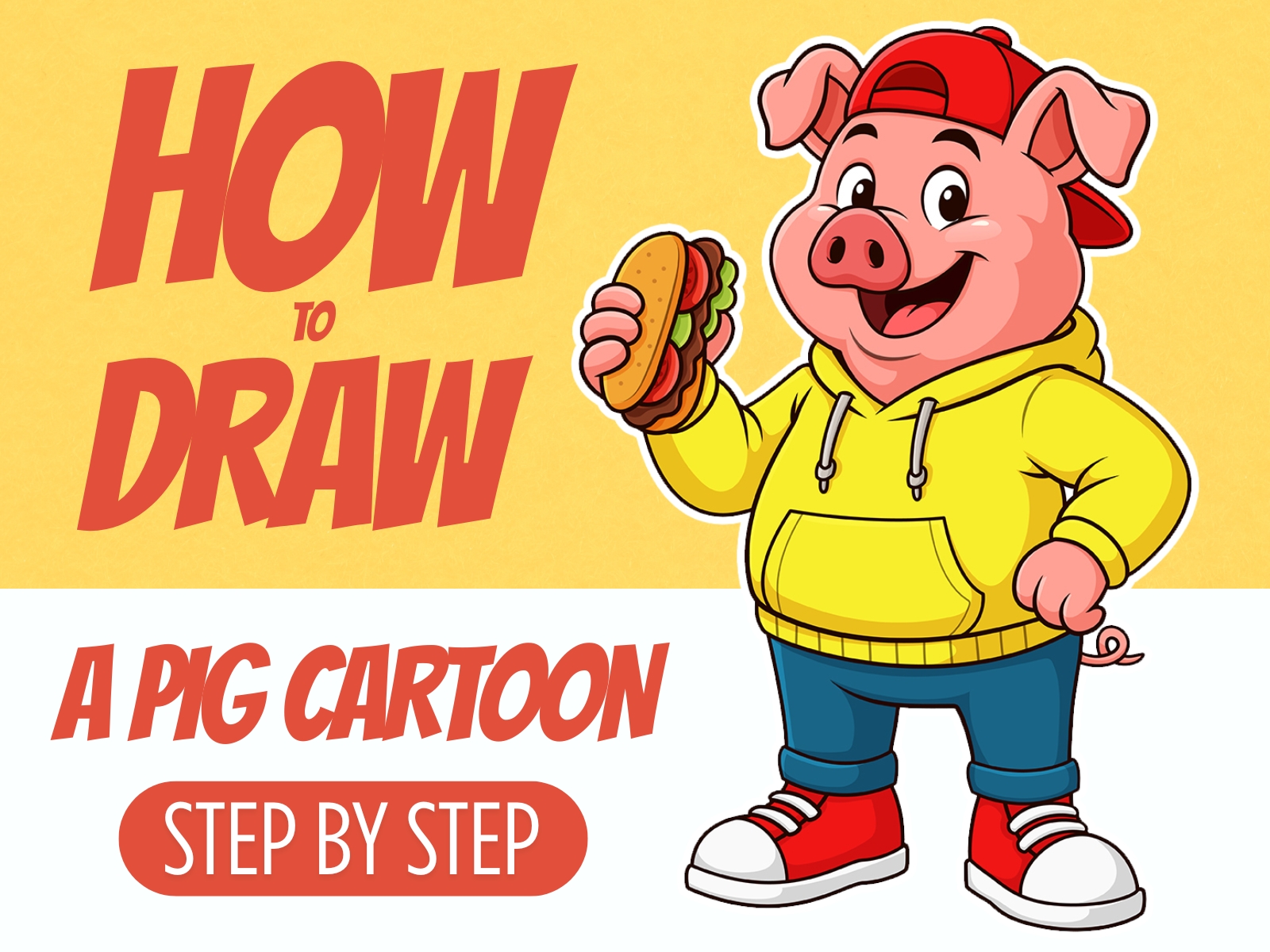
Step 1: Rough Concept Sketch of the Pig Character
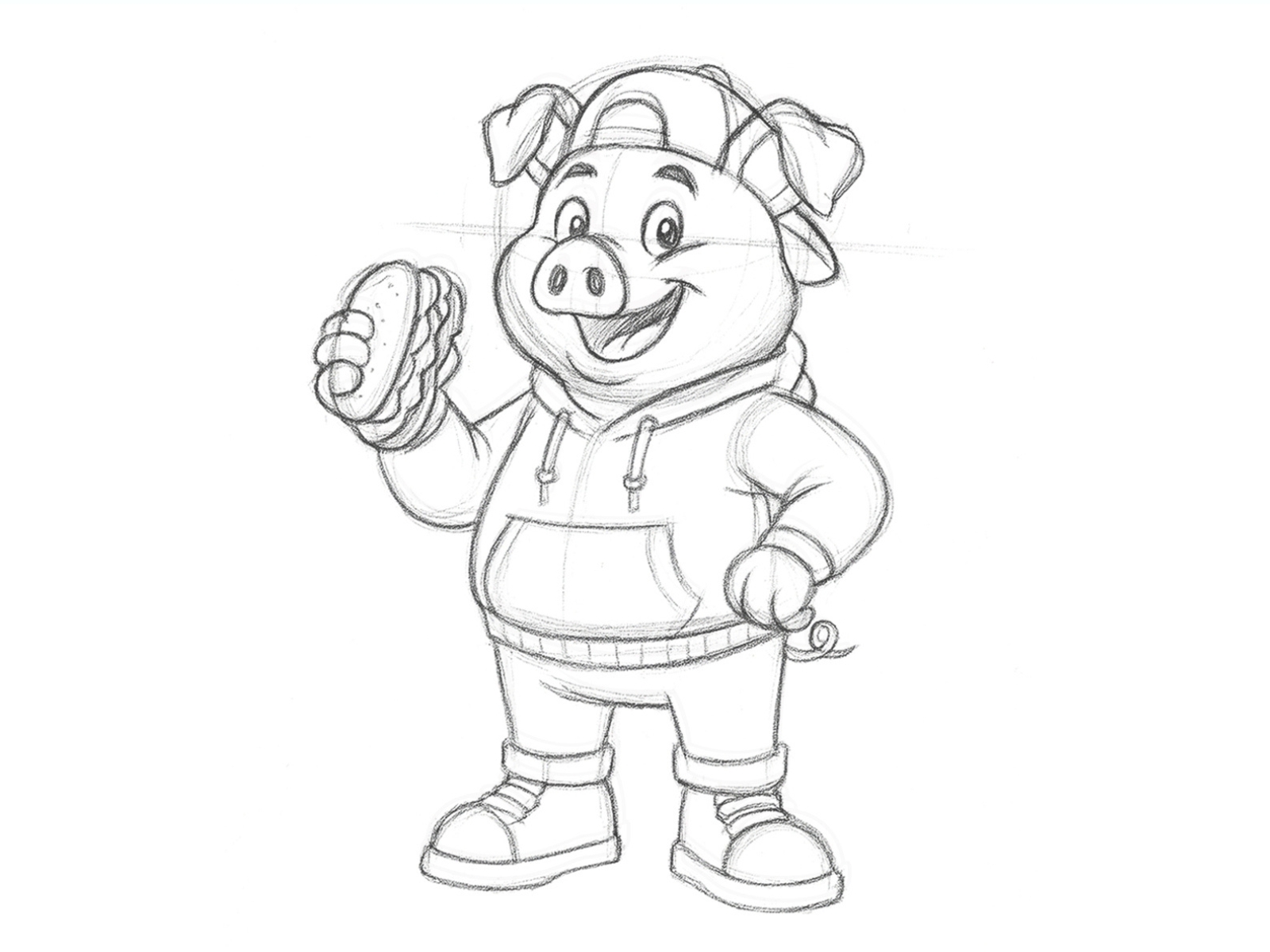
Make a rough sketch of the pig character. Draw the large head, expressive eyes, floppy ears, and the round snout. Show the pose clearly, with one hand holding the burger and the other hand resting confidently on the hip. Add simple shapes for the hoodie, pants, shoes, and cap. Keep the lines loose and soft, focusing on capturing the cheerful and friendly personality of the pig rather than perfect details at this stage.
Step 2: Create Clean Vector Line Art for the Pig in Adobe Illustrator
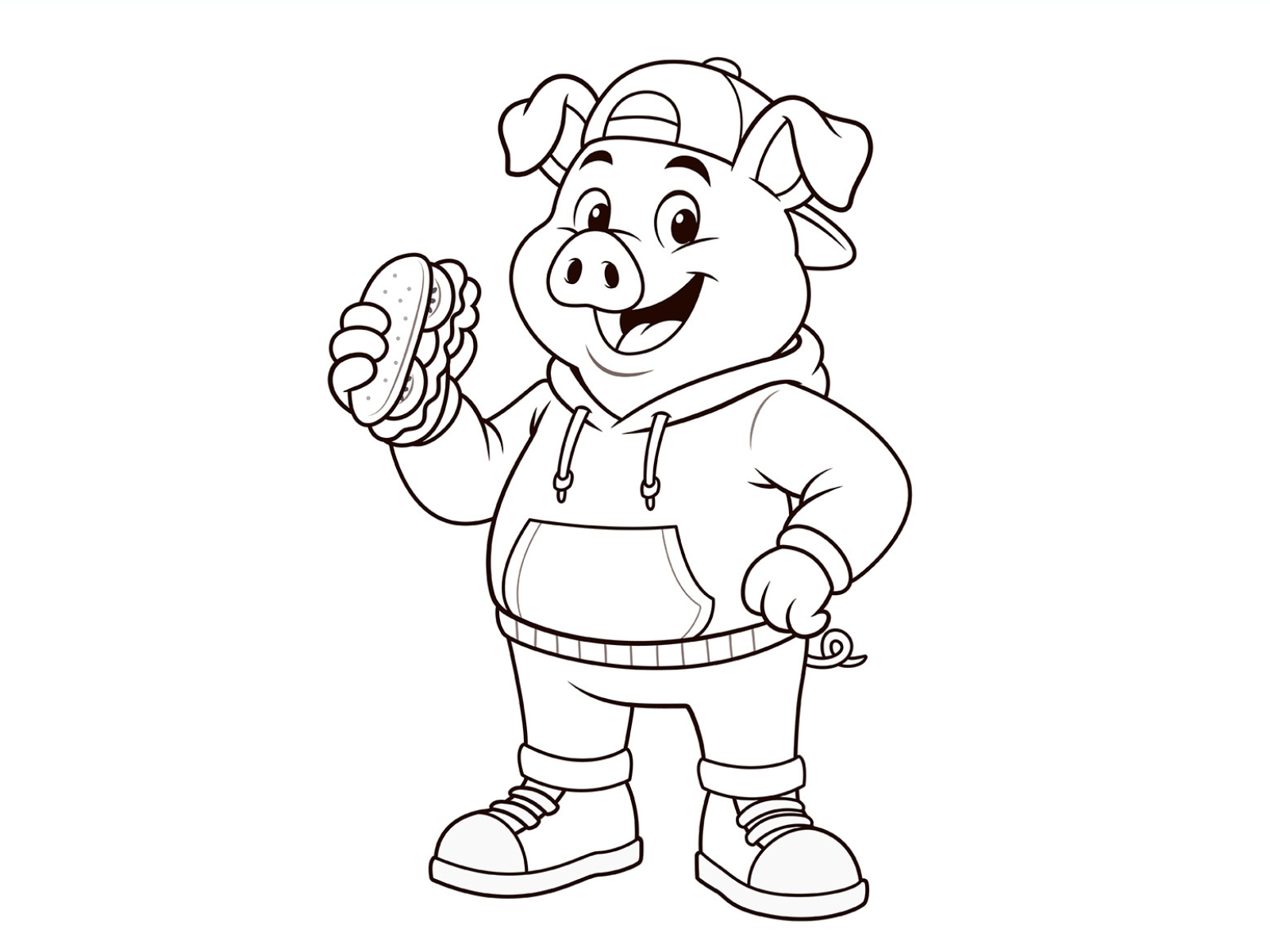
Import your pig sketch into Illustrator and lower its opacity. Use the Pen Tool to draw smooth, clean, and consistent lines over the initial sketch. Keep the line thickness even throughout so the pig looks balanced and professional. To stay organized, place different parts of the pig, such as the head, hoodie, pants, shoes, and the burger, on separate layers. This makes editing much easier in later steps.
Step 3: Add Base Colors to the Cartoon Pig
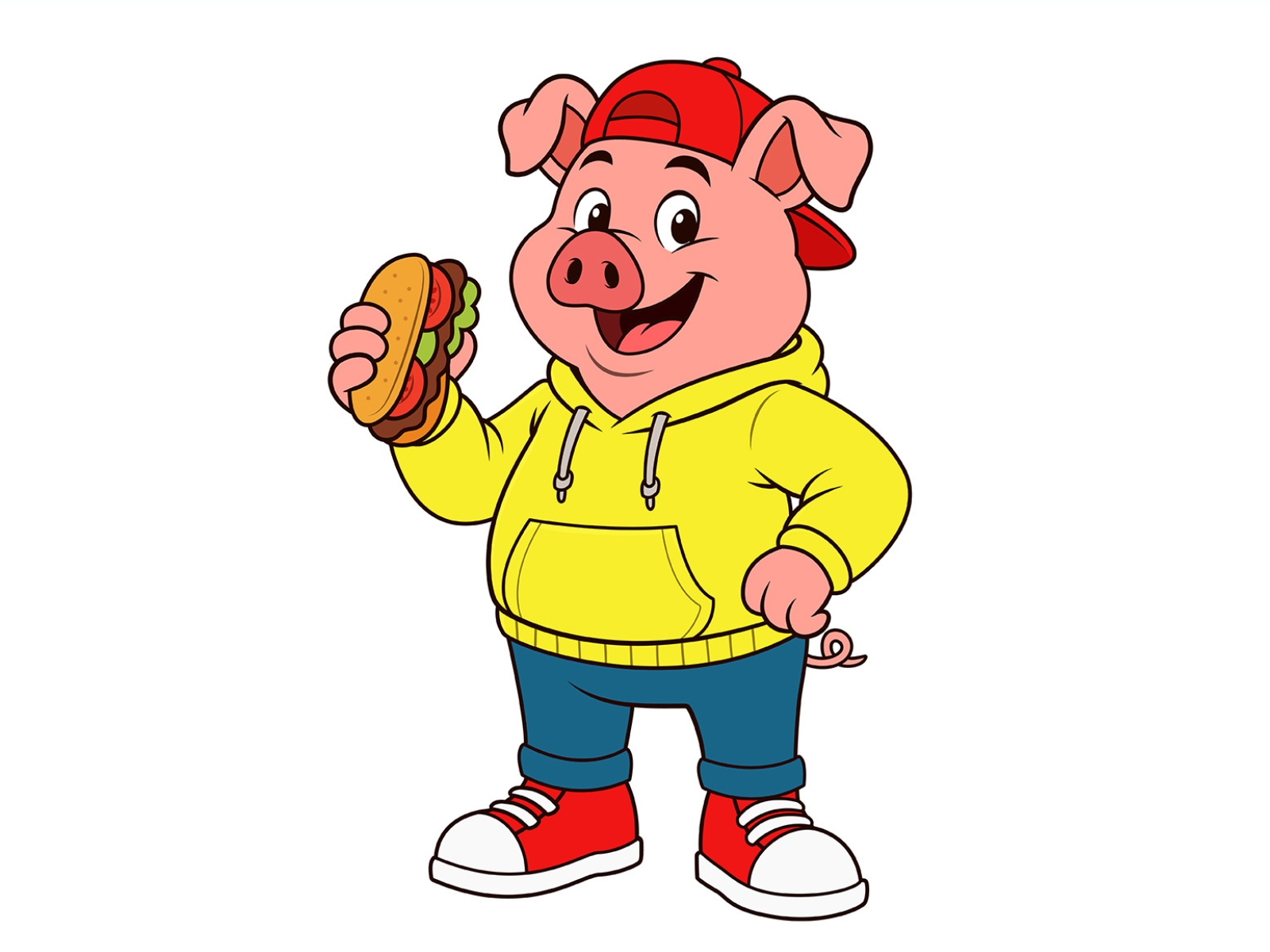
Add flat base colors to the character. Fill the pig’s skin with a light pink tone, color the hoodie yellow, the jeans blue, and the shoes red. For the burger, use simple base colors for the bun, lettuce, tomato, and meat. Keep the colors flat at this stage without adding any shadows or highlights. The goal is to establish the overall color palette before moving on to detailed rendering.
Step 4: Add Shadows and Highlights to Bring the Cartoon Pig to Life
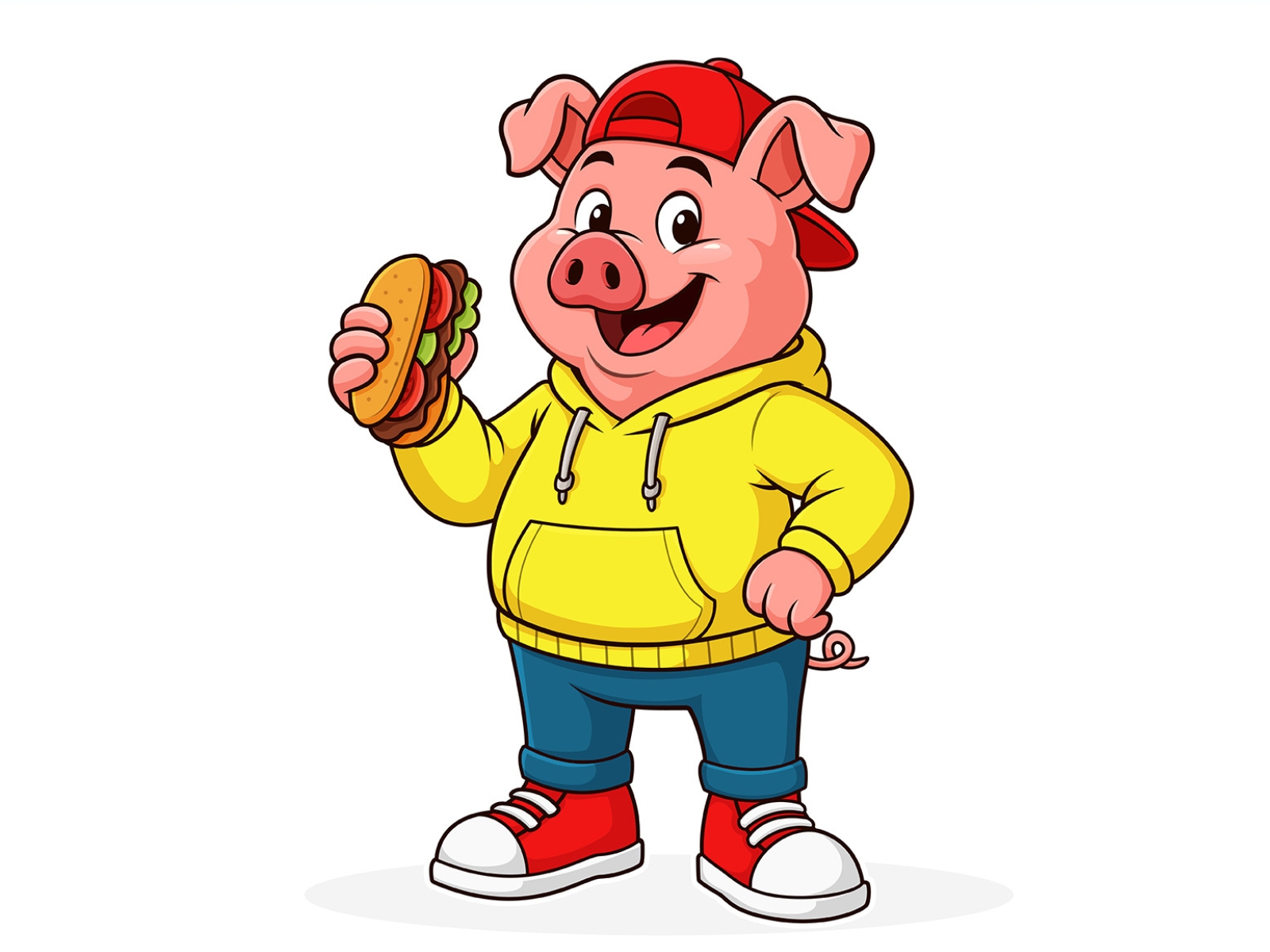
Add soft shadows to the pig’s face, hoodie, jeans, and shoes, especially where folds create depth. Shade under the cap’s brim, inside the ears, and around the hand holding the burger. Consider the light direction: shadows fall beneath the cheeks, arms, and lower hoodie when the light comes from above. Add gentle highlights to the snout, cheeks, top of the hoodie, and shiny parts of the shoes to make the pig
How can I download the original file for the pig cartoon character?
Could you customize this character or create additional poses for it?